Case and assembly files
Download the v2 complete-assembly and electronics STEP files for enclosure fit checks, mounting, and CAD reference. Both exports are preserved as supplied. The electronics STEP replaces the previously supplied assembly STL download.
| Download | Format | Size | Intended use |
|---|---|---|---|
| Complete assembly — STEP | STEP / AP214 | 7.34 MiB | Inspect the complete assembly and select enclosure components |
| Electronics assembly — STEP | STEP / AP214 | 4.19 MiB | Inspect the electronics assembly and check enclosure clearances |
| File checksums | SHA-256 | — | Confirm downloads match the supplied exports |
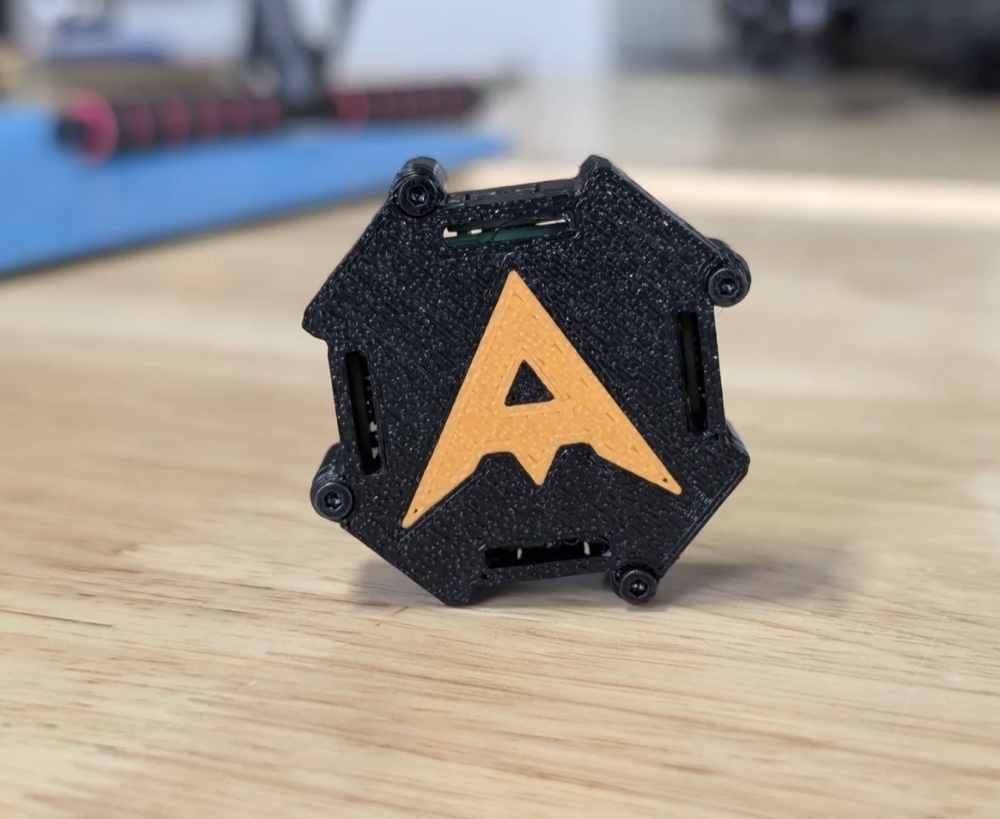
The tip of the A on the lid faces the vehicle nose, aligned with CH7/J8. Use the hardware overview for connector orientation and the bring-up guide to verify it with a real target.
Using the files
- Both STEP files declare millimetres and contain multiple solids. Import them as assembly/reference models; check your CAD program's unit settings.
- Use the complete-assembly export to inspect the case and select the enclosure components you need. Use the electronics export to reference board and component placement when checking clearances.
- Select and export individual enclosure pieces for your slicer before preparing a print. These downloads do not include verified print orientation, supports, tolerances, or material settings.
Both STEP headers/terminators, unit declarations, and checksums were checked. These checks establish file integrity; mechanical fit and print readiness still require inspection and a physical fit check. The documentation update does not modify either file's geometry.